The smart way to simplify silent events
Since 2012, Silentsystem has powered silent events across Europe and, today, in the United States and worldwide, supplying wireless headphone systems for parties, conferences, fitness events and much more. Working closely with organizers of every size, we kept seeing the same challenge: handing out headphones quickly and securely during events.
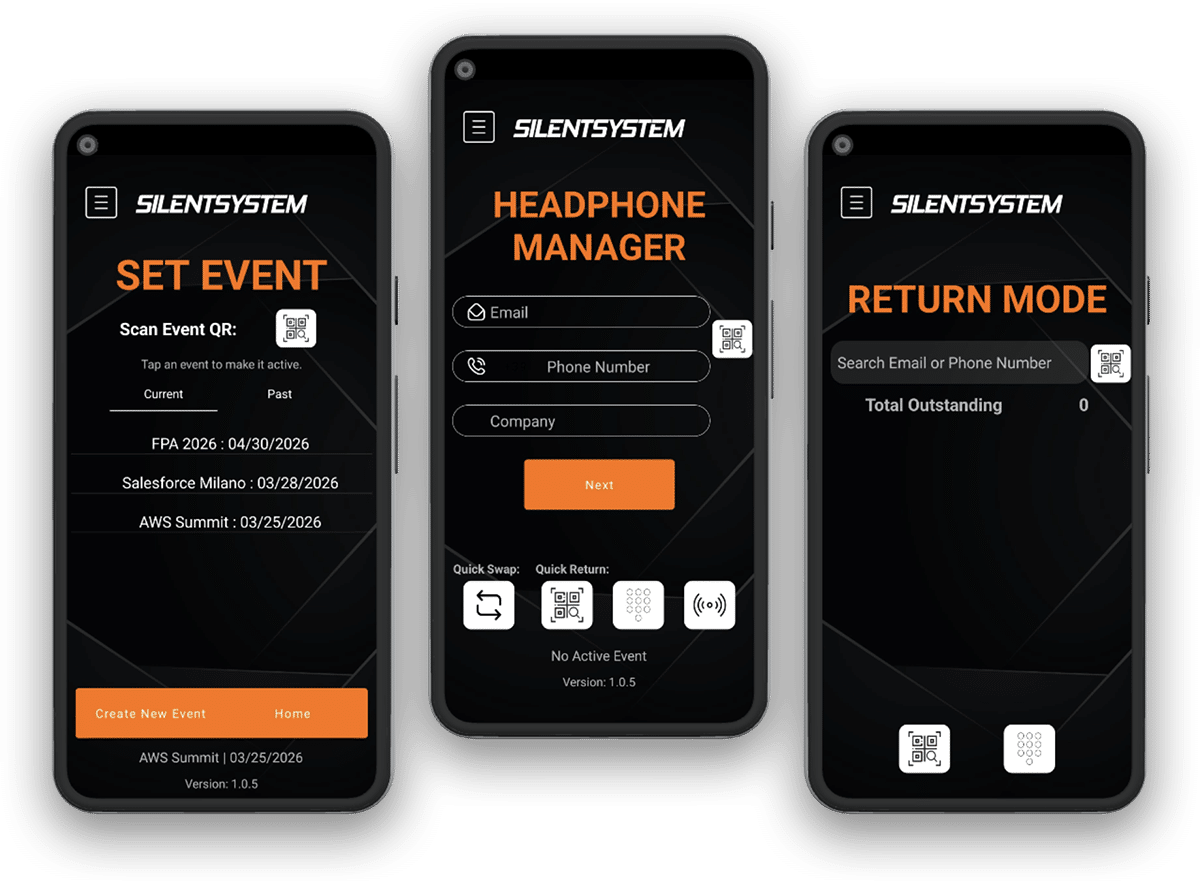
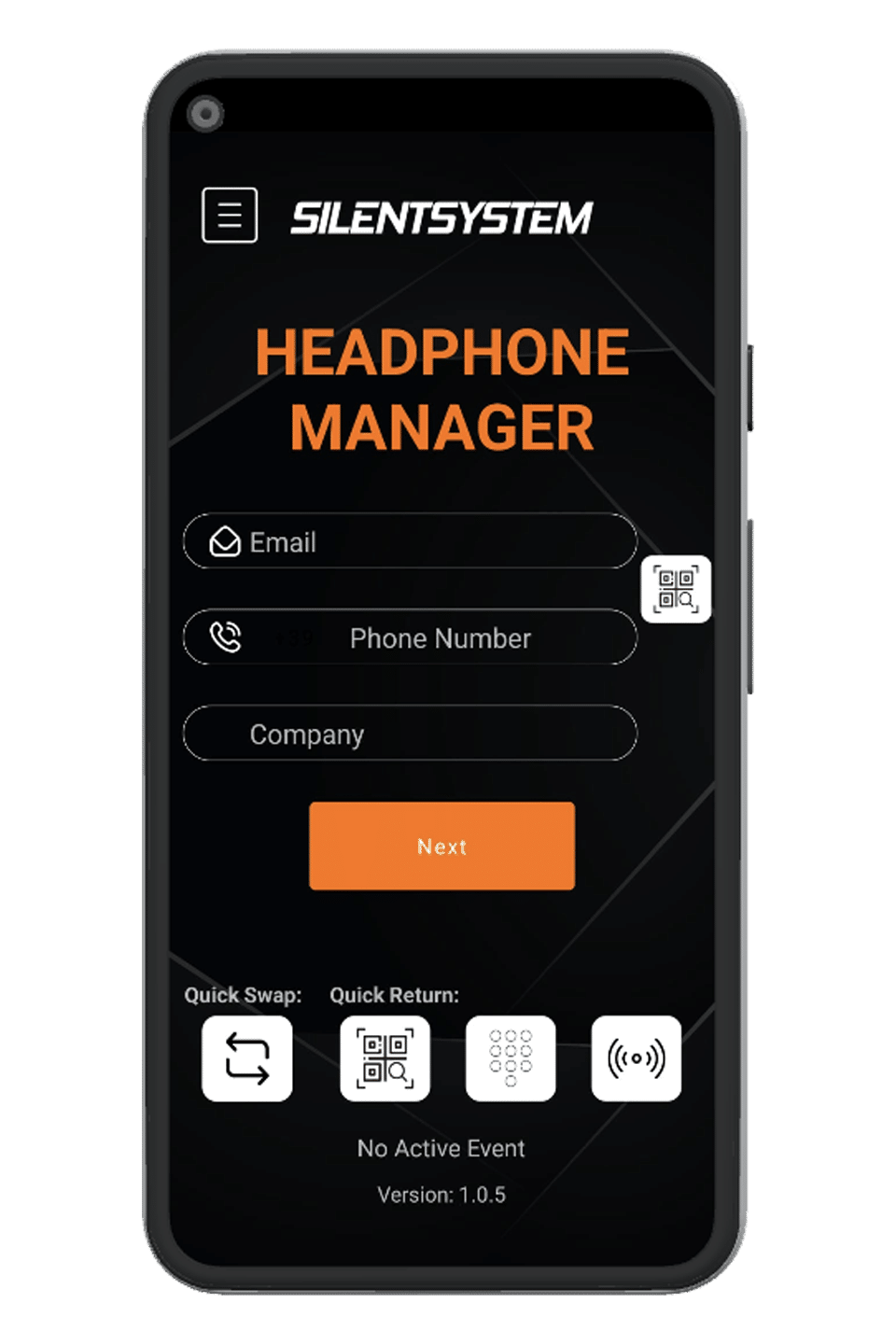
So we built a simple, practical solution: the Silentsystem Headphone Manager App. Easy to use, fast and reliable, it lets you manage everything right from your phone, with no hassle. It was designed by rental professionals for people working in the field who need real efficiency during the event.
Revolutionize your silent events
The Silentsystem Headphone Manager App is the smart, scalable way to handle wireless headphone logistics at any silent event. Built specifically for event rental professionals, it streamlines every step of the process, helps prevent losses and boosts overall efficiency.
QR code check-in
Instant check-ins via QR code, including user pre-registration (Express Check-in).
Fast assignment
Fast, accurate headphone assignment: just hold the headphone up to the phone.
Deposit control
Verification by card (NFC / Apple Pay / Google Pay) or ID for added security.
Real-time inventory
Real-time tracking of active headphones, total assignments and peak usage.
Quick returns
A dedicated return mode to log headphones as they come back at the end of the event.
Ticketing and branding
Works with ticketing systems like Eventbrite and is fully customizable with your brand.
Whether it’s a silent disco, a corporate conference or a fitness class, the app delivers a professional experience for organizers and attendees alike, so you can focus on the event, not the equipment.
Headphone Manager in action
The complete guide to the Headphone Manager app
The key steps to set up your event, assign and collect headphones, and read your stats.
More helpful guides
Headphone distribution
How to organize headphone handout and collection while cutting down wait times.
Headphone sanitizing
Protocols for sanitizing headphones to ensure safety and comfort.
Silent disco and silent party
How a silent disco works and what equipment you need.
All guides
Technology, applications, and standards for wireless event audio systems.
Want to use Headphone Manager at your event?
Contact us for information about the app and headphone rental. You can also call us at +39 338 155 5535.